 MilleleafTry the demo →
A tour of Milleleaf
Make it once.
Use it in every app.
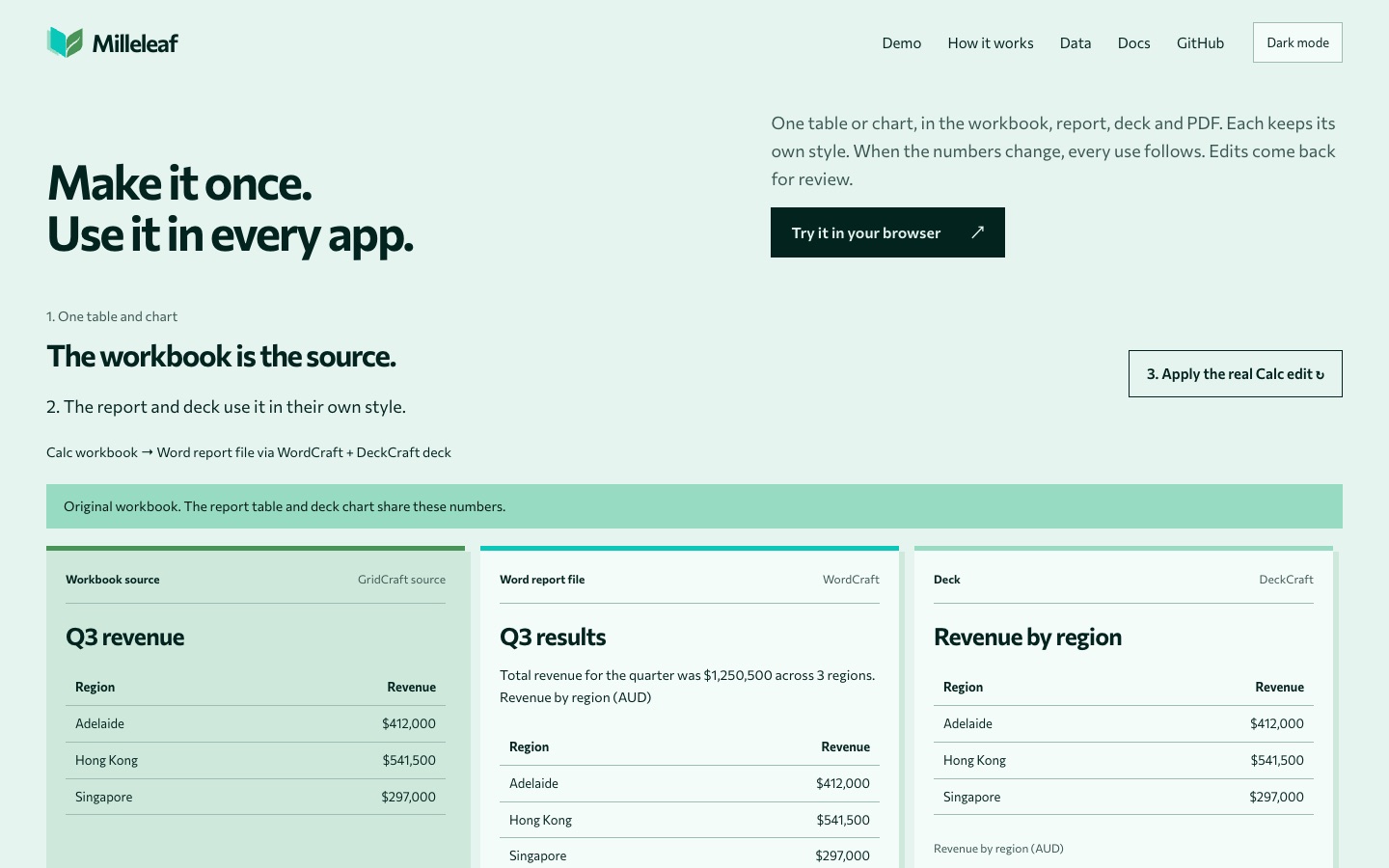
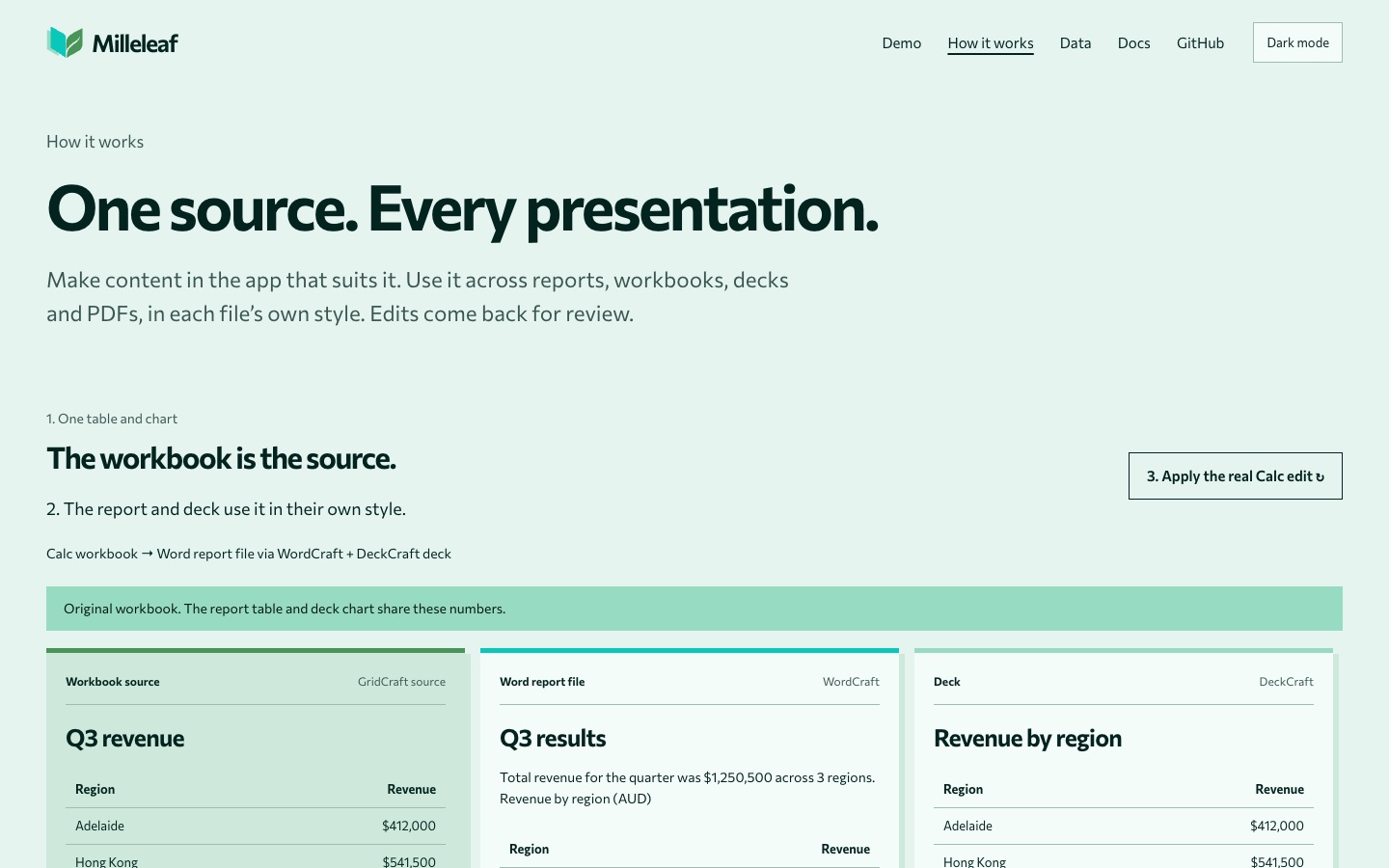
One table or chart, in the workbook, report, deck and PDF. Each keeps its own style. When the numbers change, every use follows.
Setup
Reports, data and slides that never quite agree
One figure gets updated, and three other places still show the old one.
One edit, every use
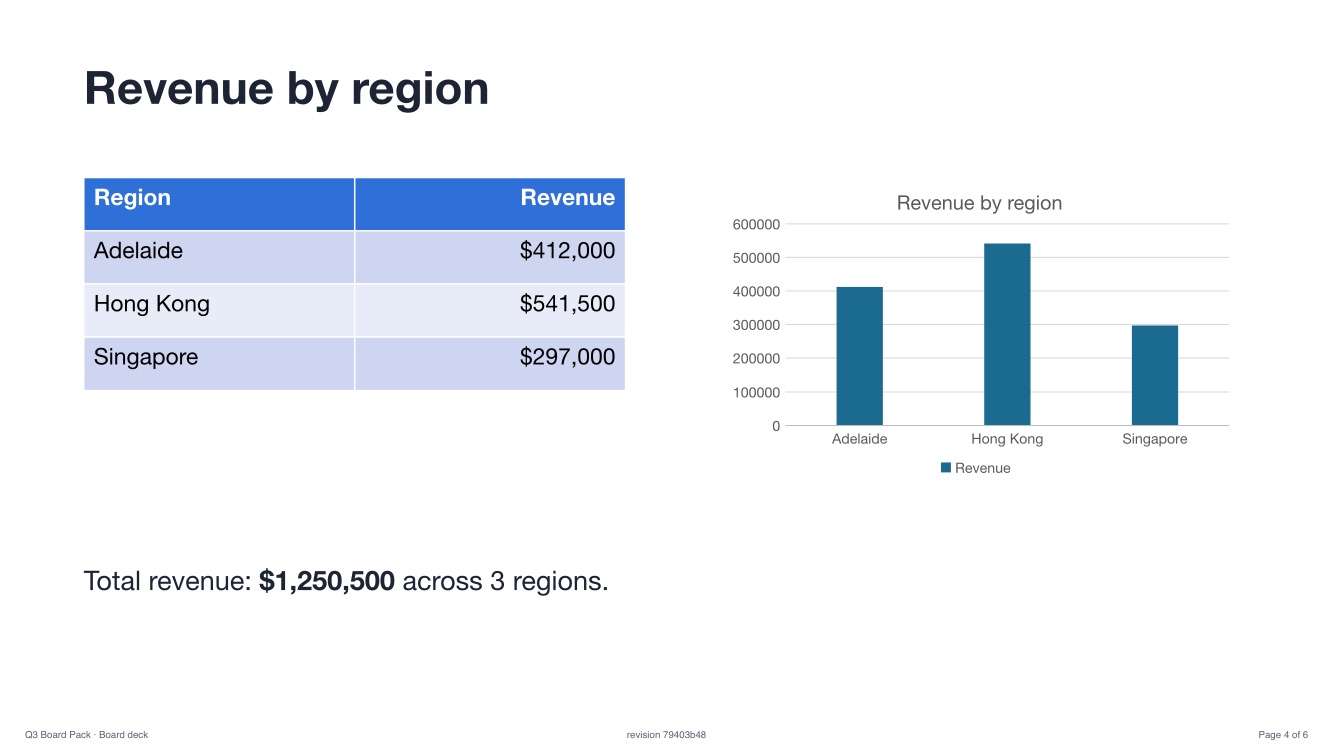
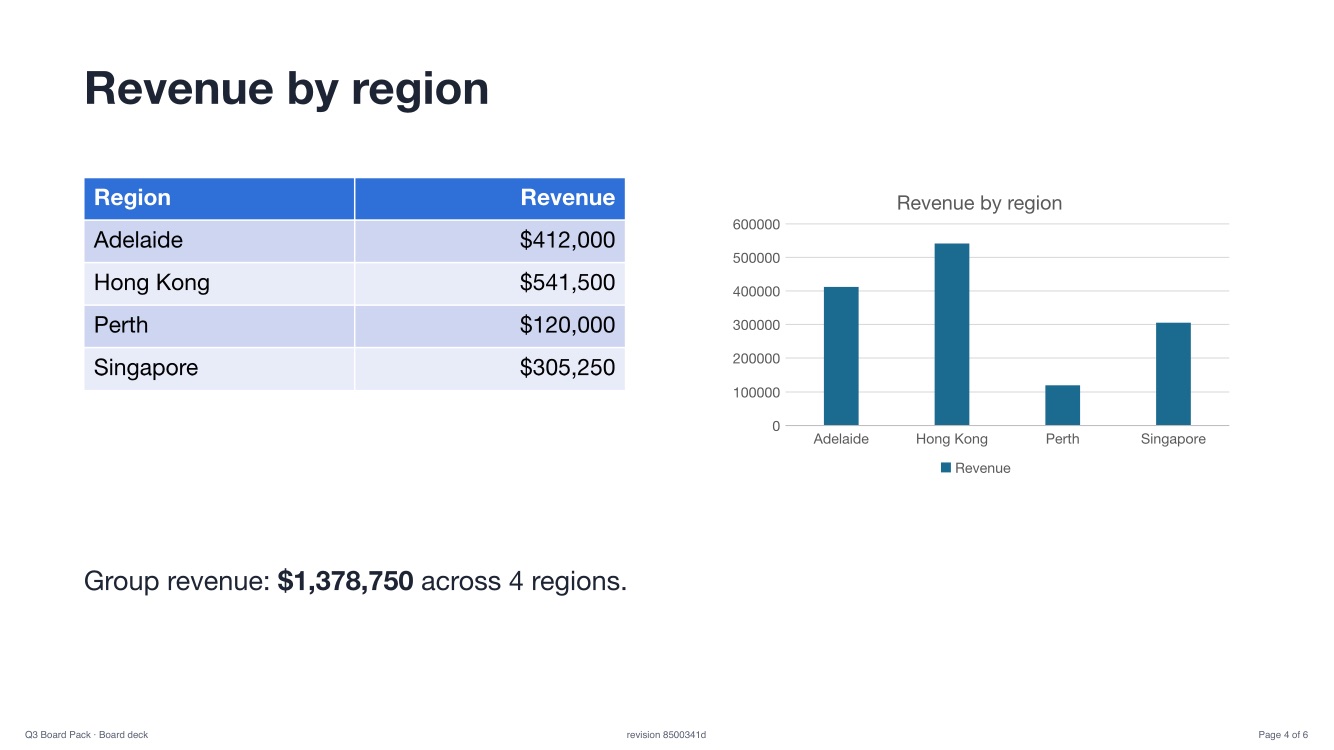
A row added in the workbook. The deck followed.
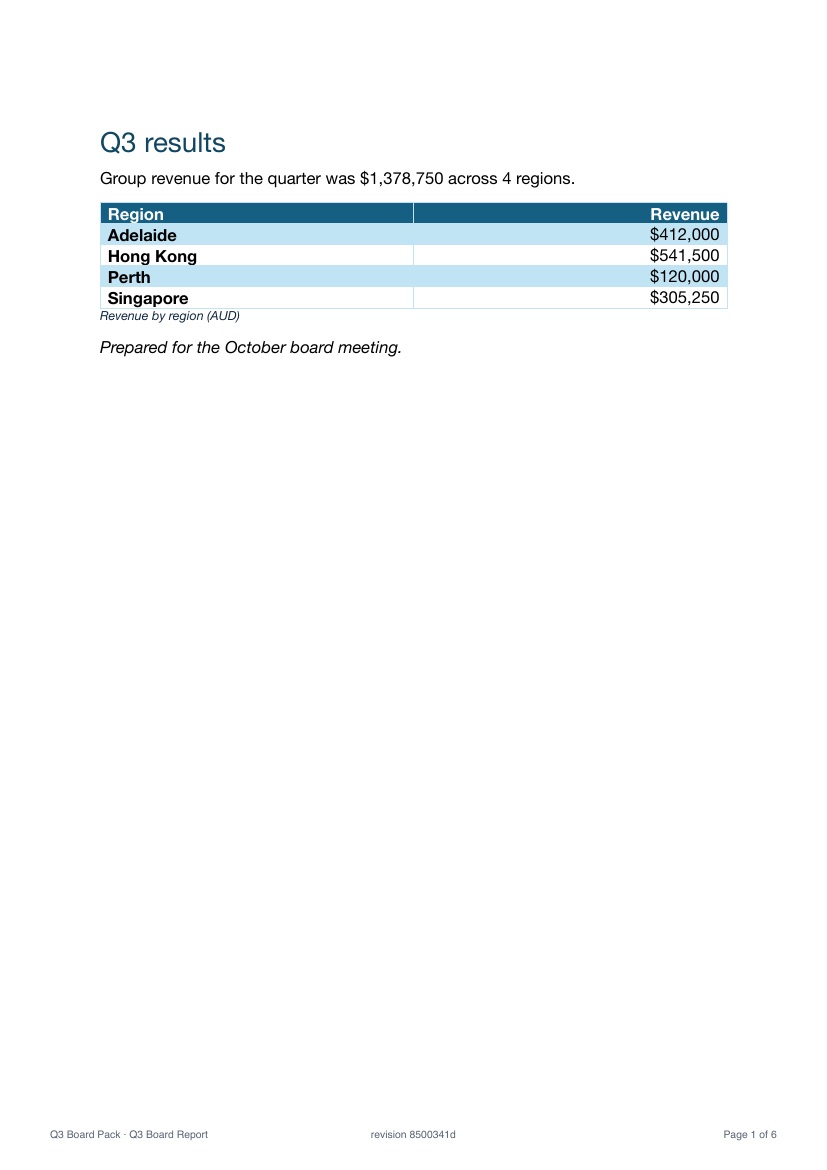
The same board-pack page, made by Milleleaf from one source. After an edit in the spreadsheet (Perth added, Singapore restated), the table, the chart and the total all changed, in the deck's own style. The report and the PDF followed too.
Drag the handle, or use the arrow keys.
In the browser
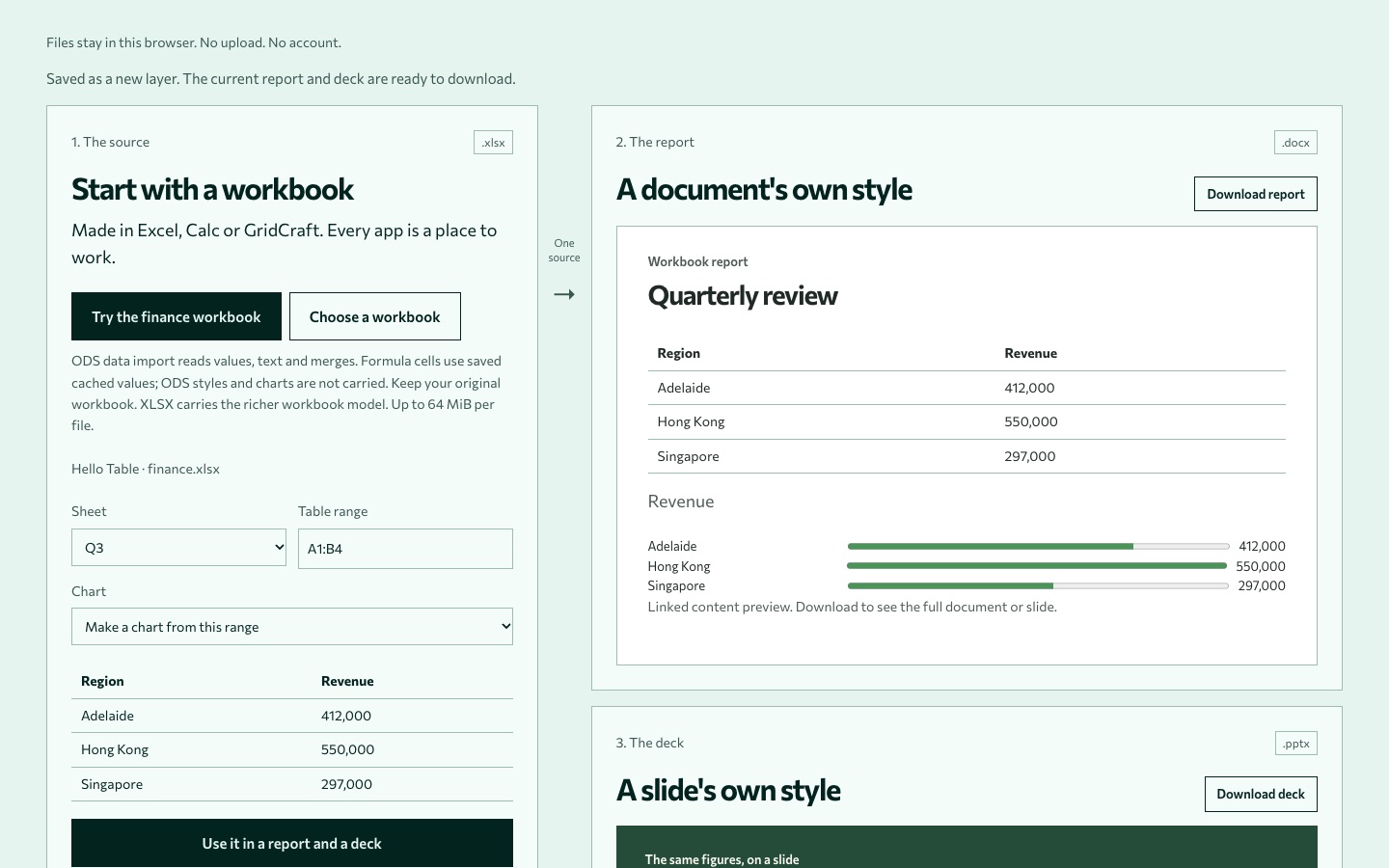
Watch one change travel
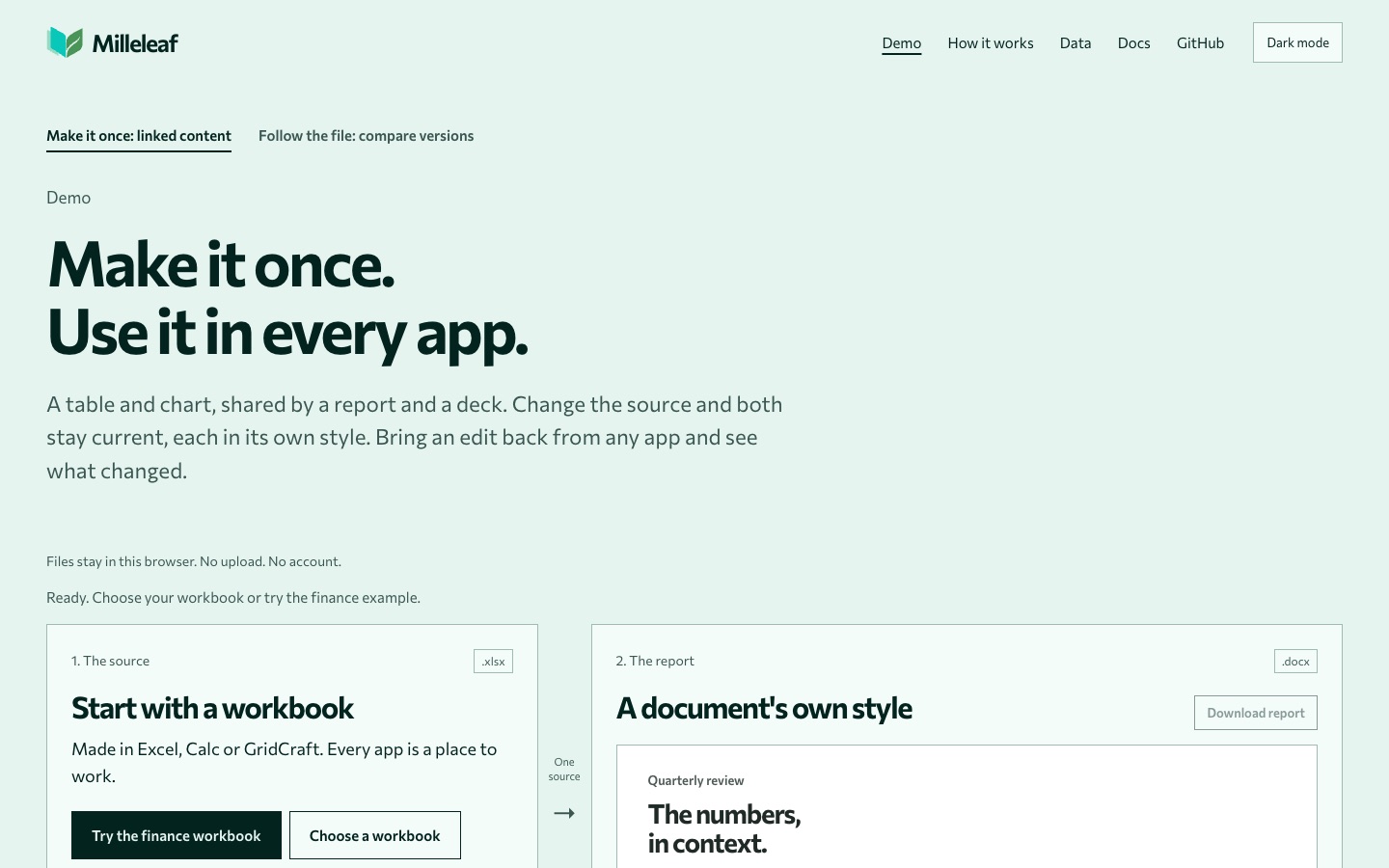
The live demo at milleleaf.com/flow. Everything runs in the page; files aren't uploaded.
Your turn
Try it with your own workbook
Open the sample, or choose your own XLSX or ODS file. Make the report and deck, change a cell, download all three.
Open the flow demo →Compare two versions →Why not the usual ways?
Each one stops somewhere
- Copy and paste gives a copy. When the source changes, the copy stays as it was, and edits in it don't flow back.
- Paste Link and linked objects refresh within one suite, one way. File links can break when files move.
- Import and export convert once. No continuing link, no route back for edits.
- Plugins work well inside one app, but need installing and often a paid licence per seat.
Milleleaf works on the files themselves, through places the file standards allow. Nothing is installed into any app.
Follow the file
Wherever it was edited, see what happened
Drop two versions of a DOCX, XLSX or PPTX. The comparison lists every change in plain words: a renamed sheet, an added row, a restated value, with before and after side by side.
What it is today
Built, checked, and honest about the rest
Every claim on the site stops at the check behind it. Status and known limits · How we make claims
Next
One source. Every presentation.
Open source (MIT or Apache-2.0), written in Rust. The demos run in your browser; the command-line tool works locally.
milleleaf.com →Code on GitHub →Questions or feedback: hello@milleleaf.com